Tutorials

How To Use Elefta

View All Tutorials
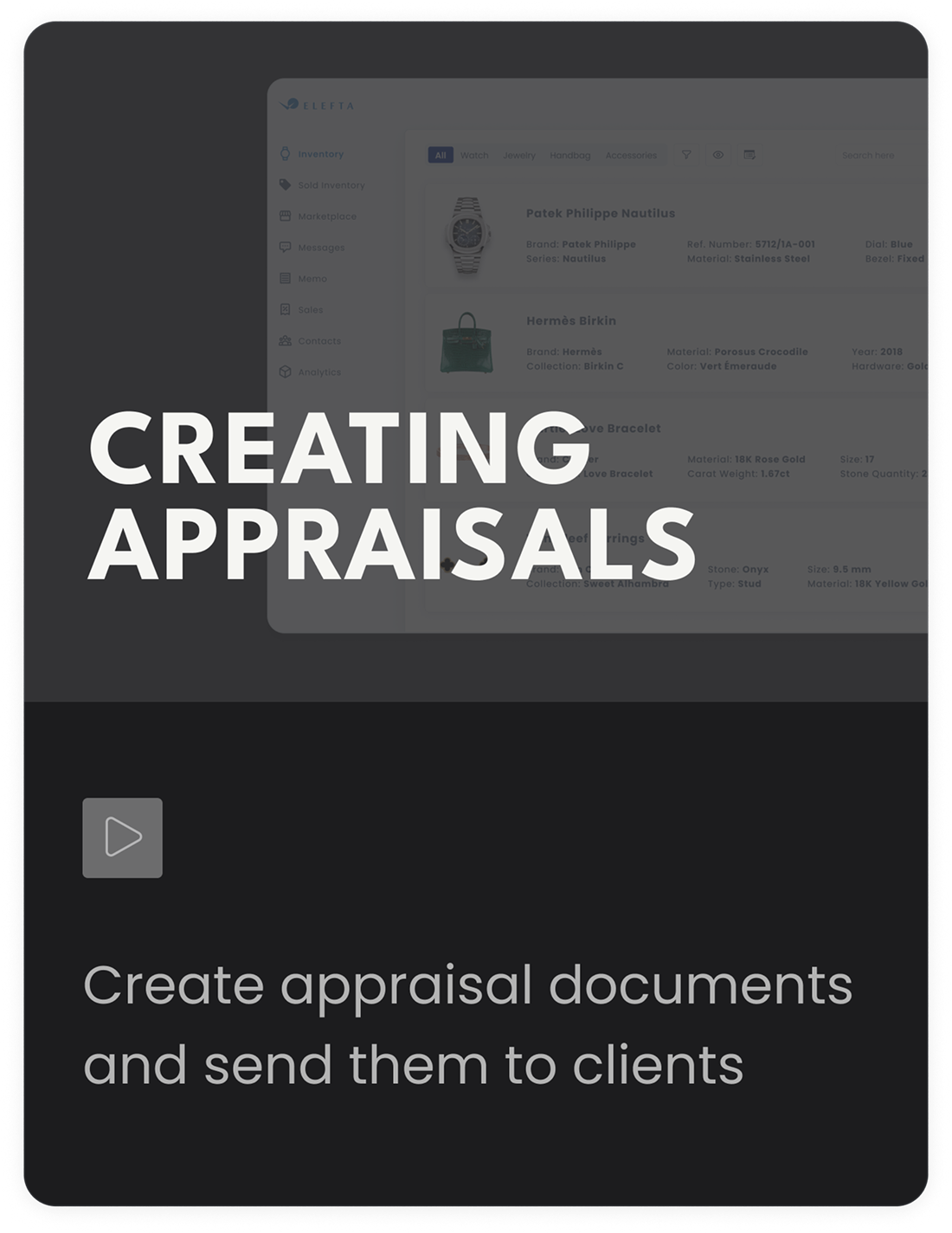
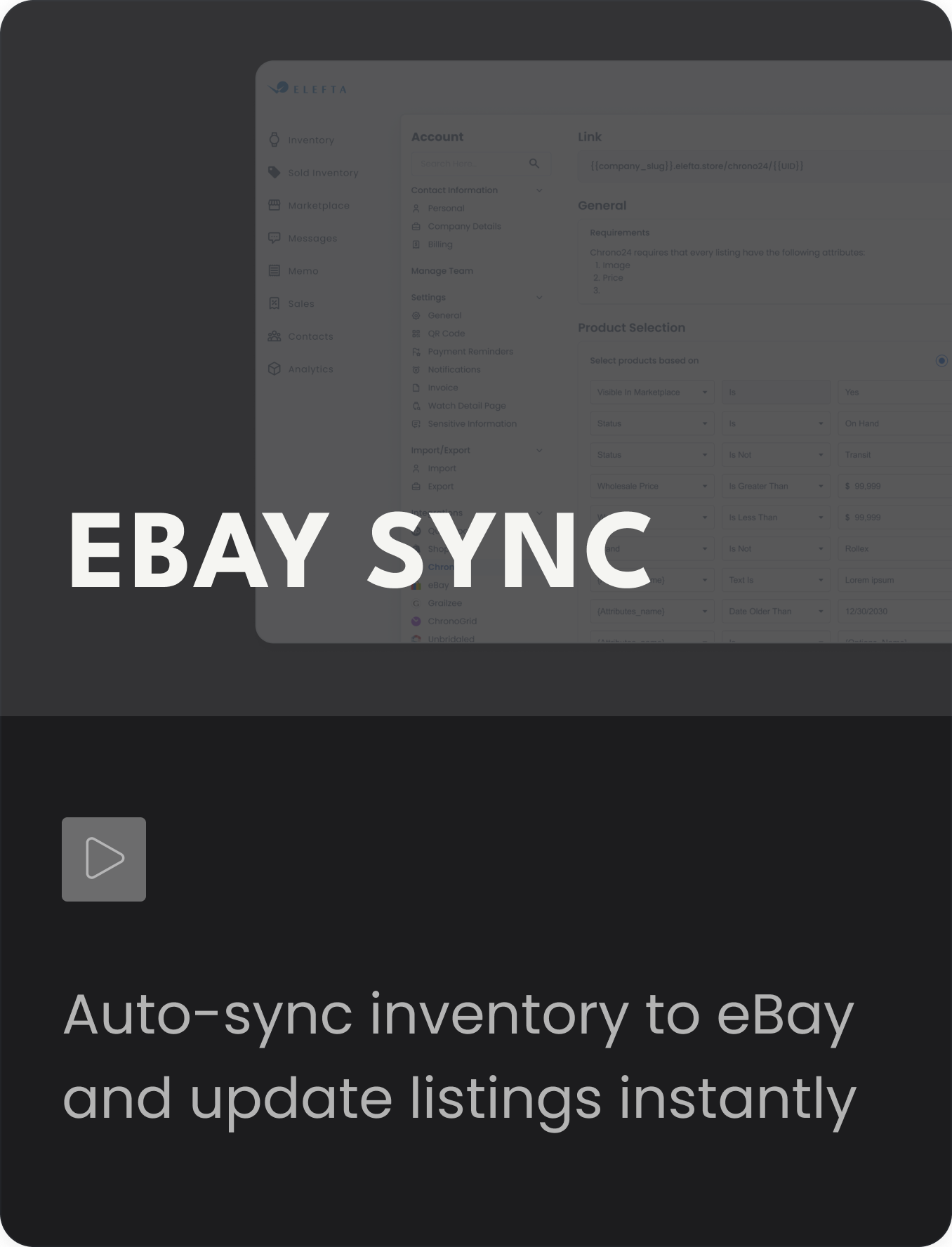
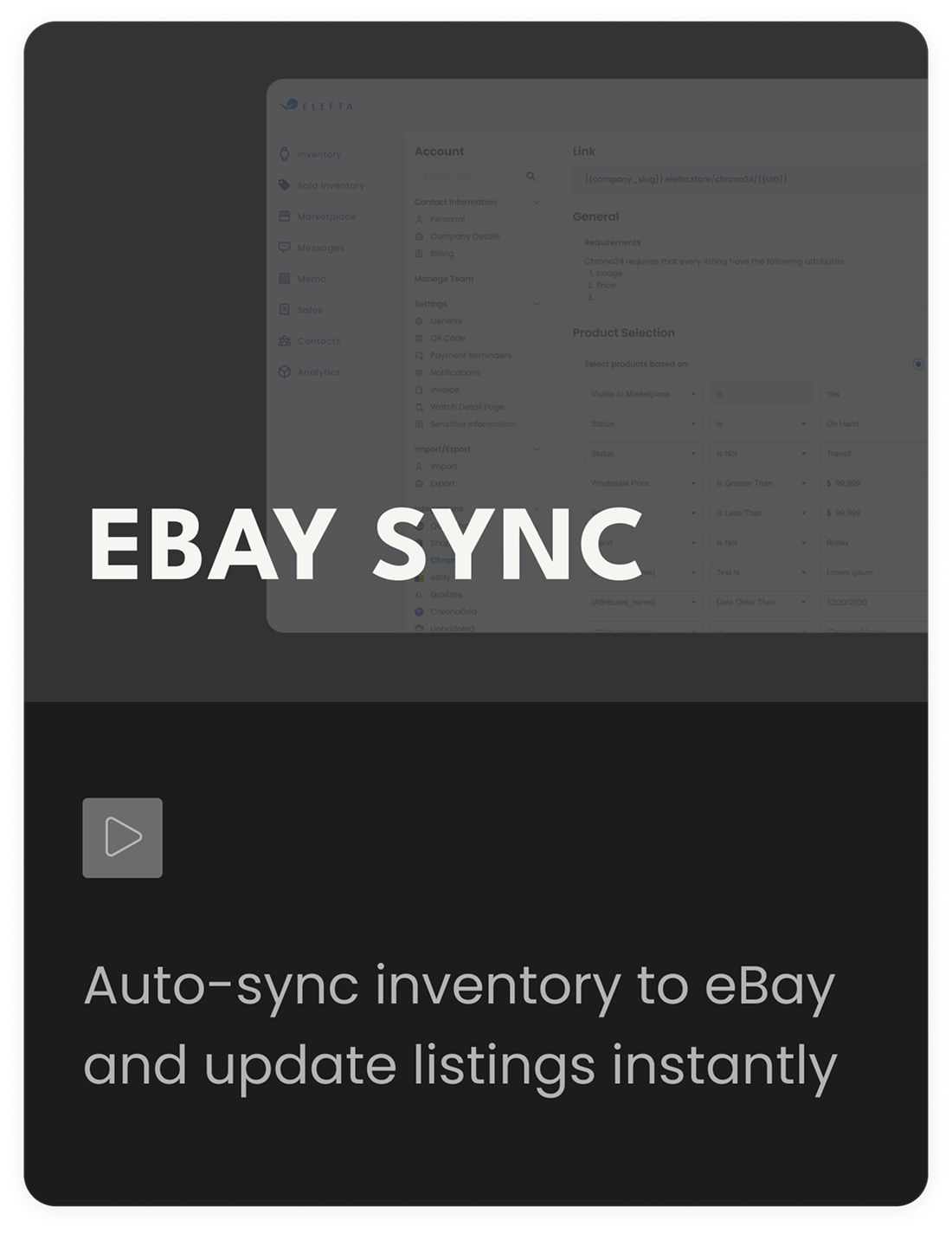
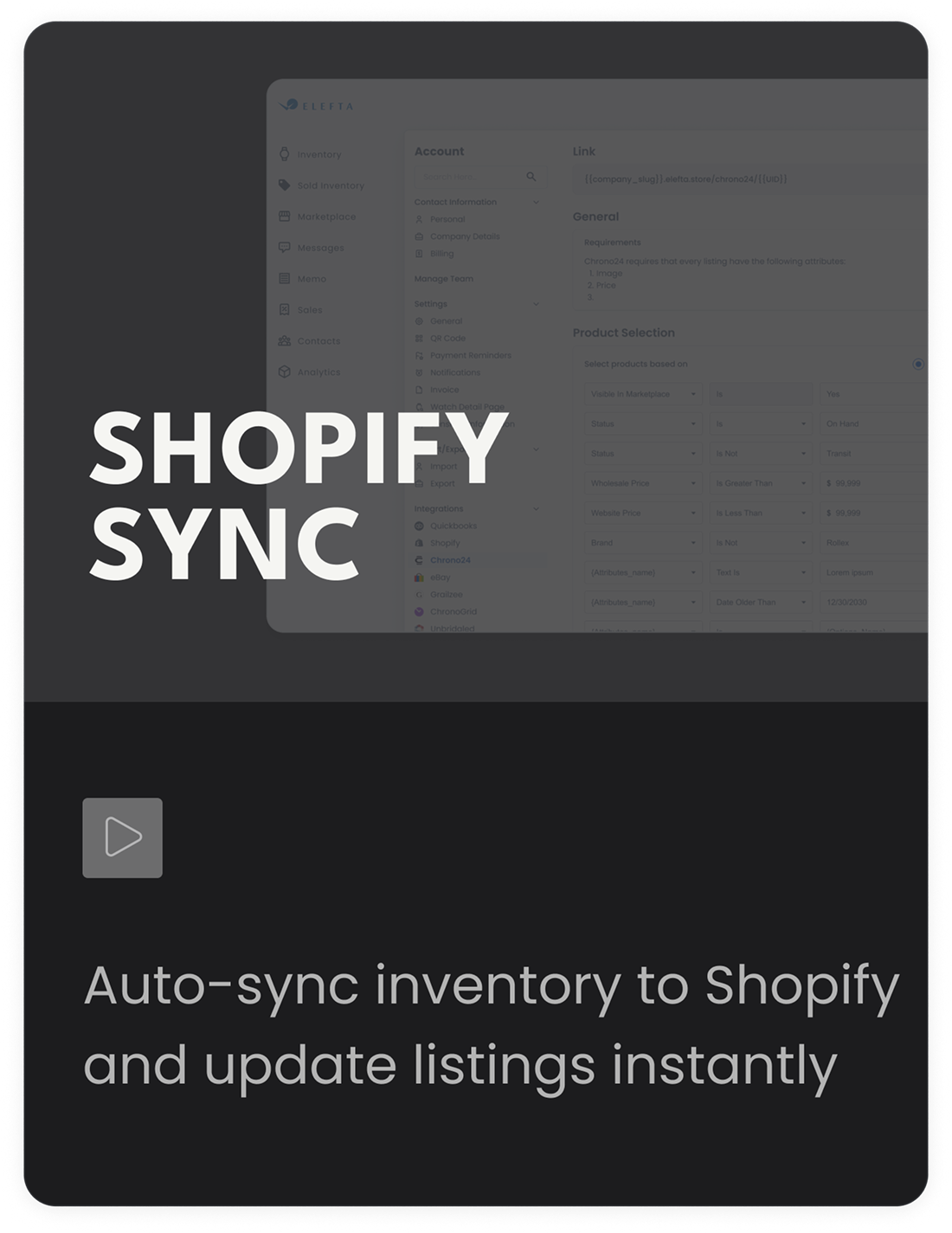
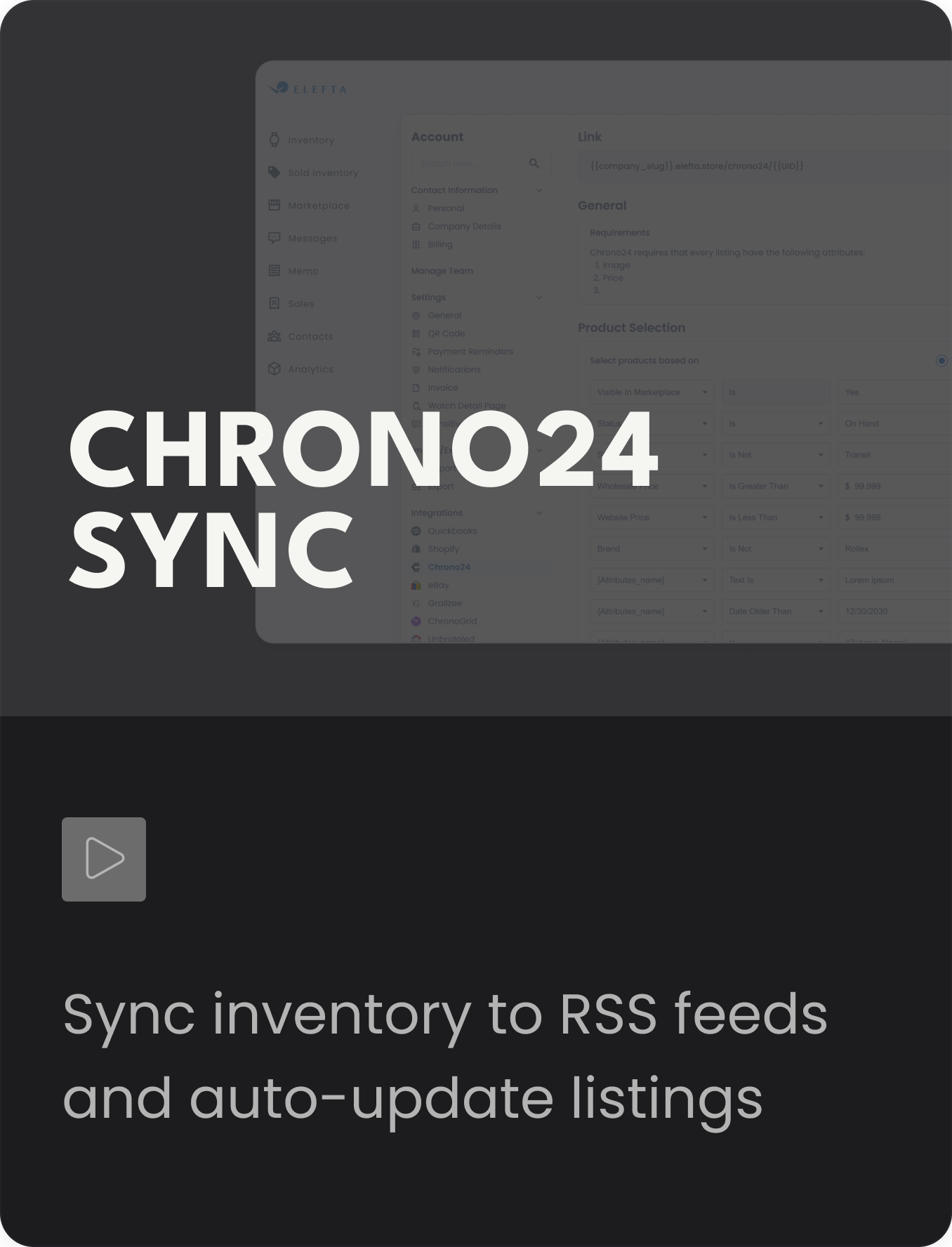
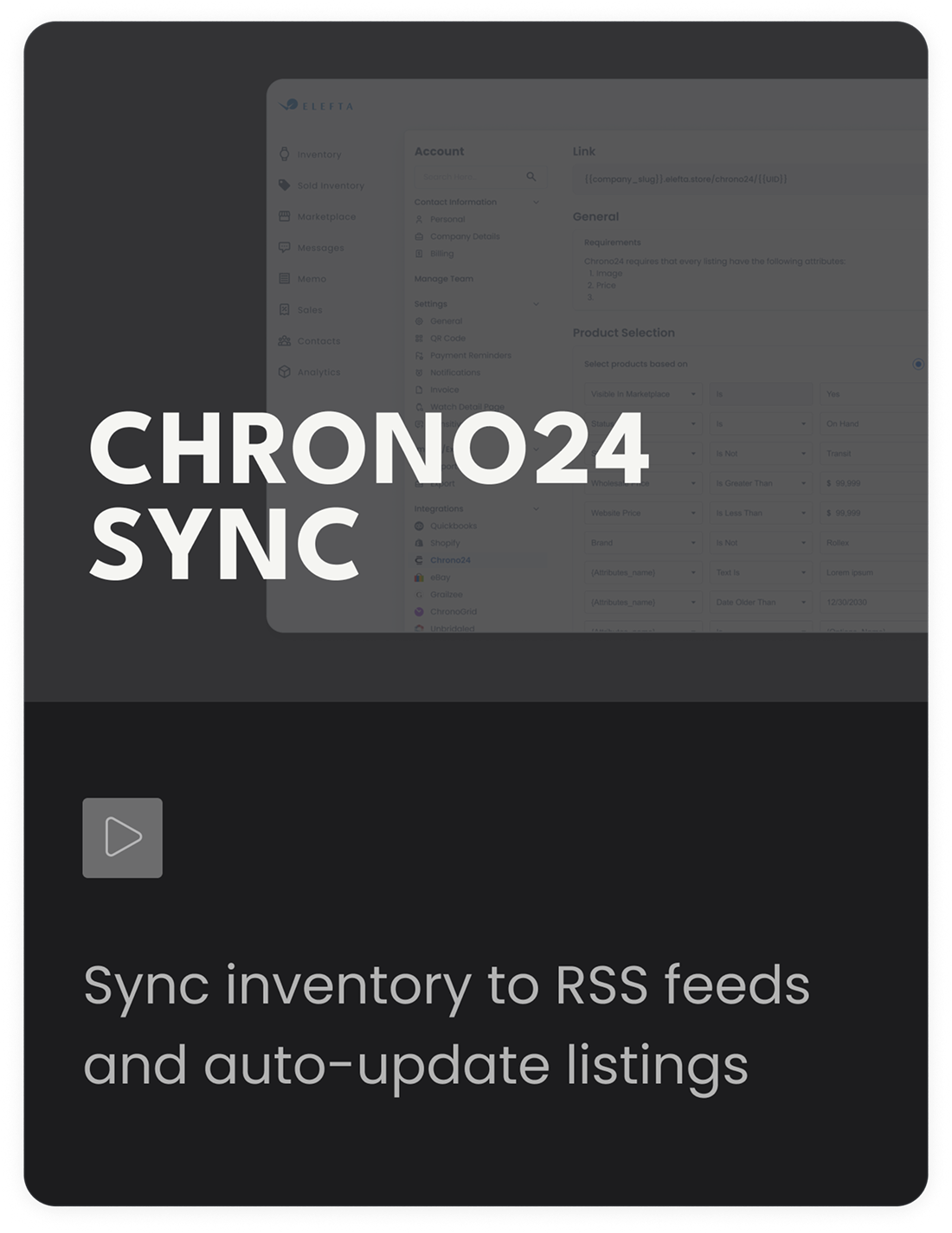
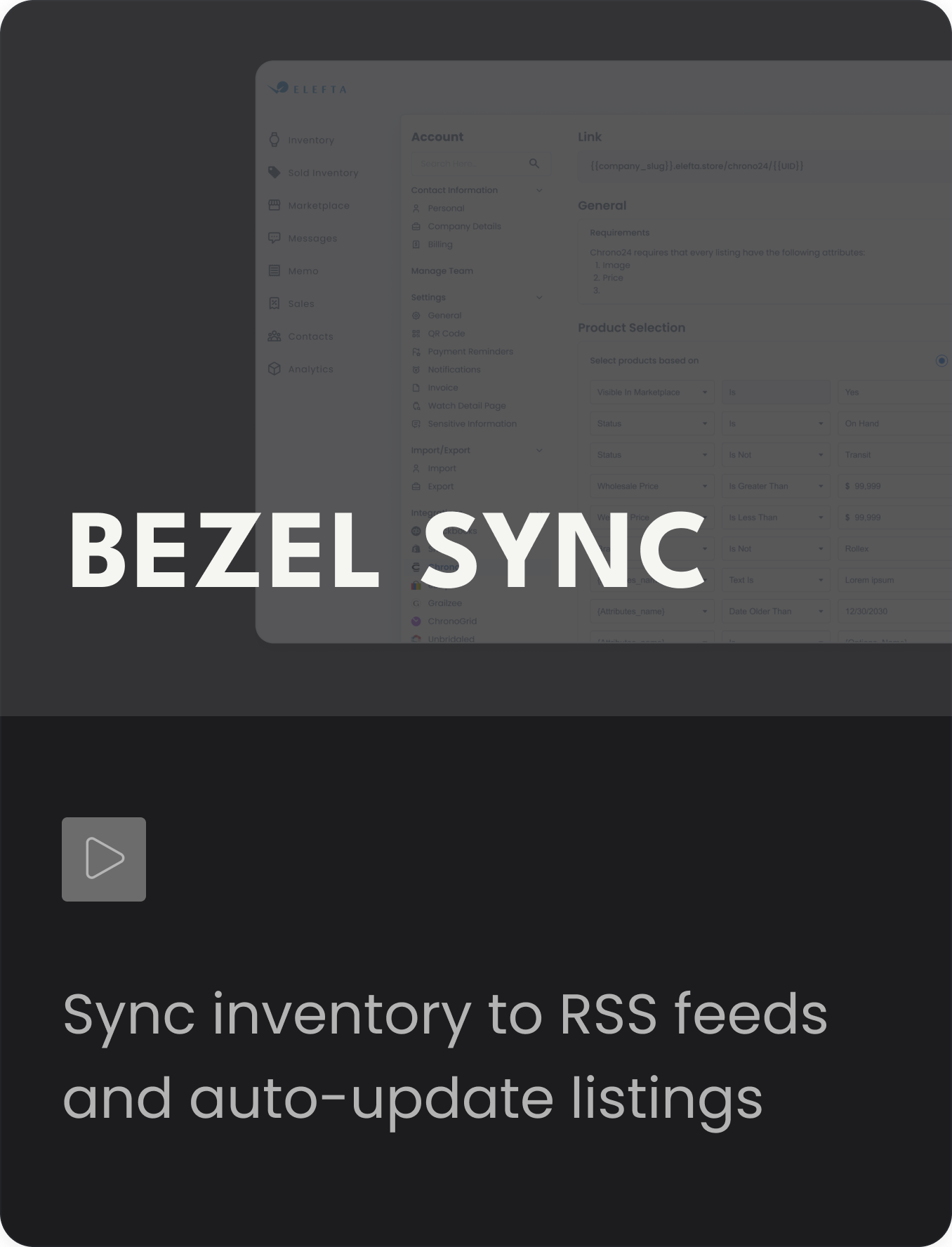
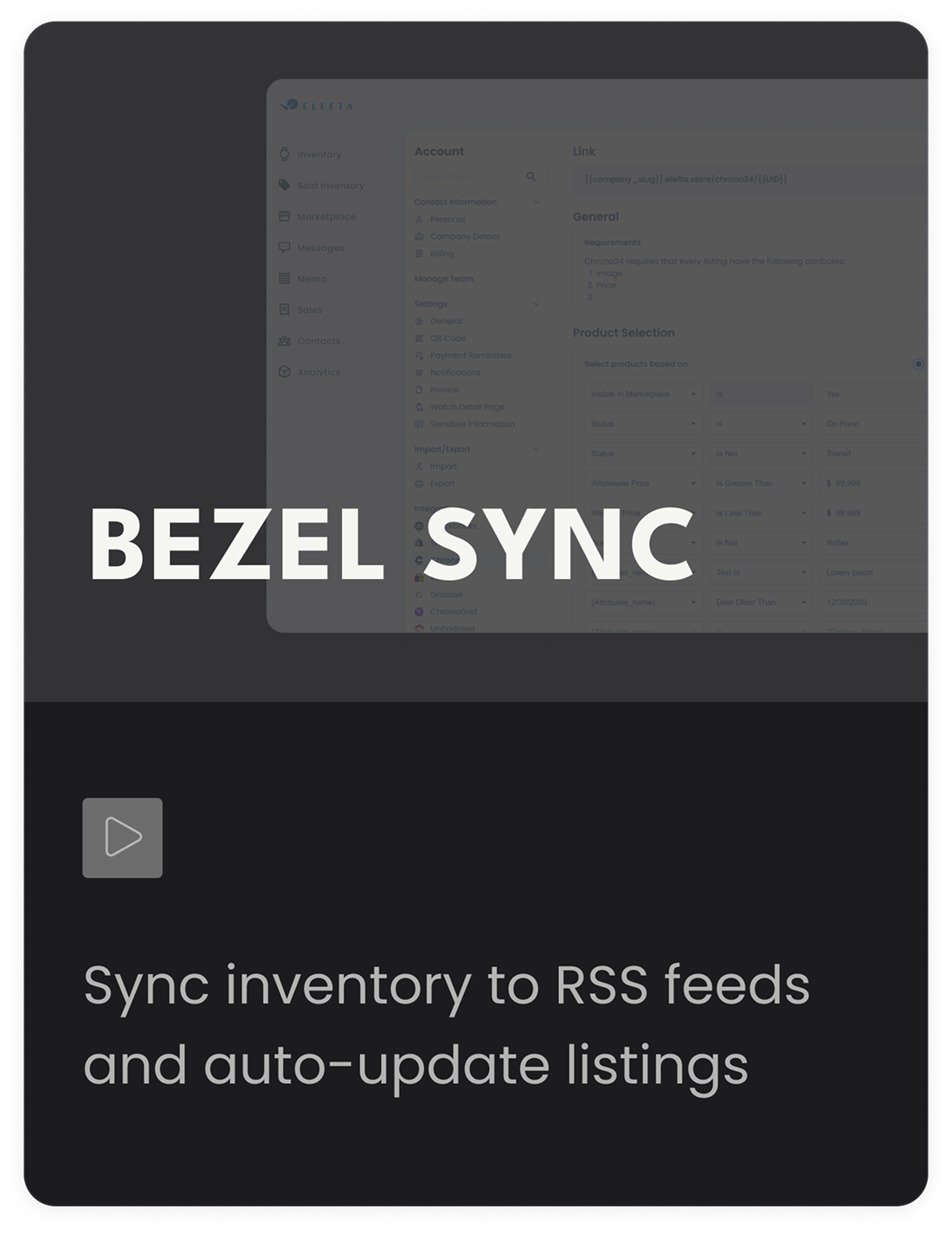
Adding Inventory (Single Item) — Add a single item and enter all required item detailsAdding Inventory (Single Item) — Add a single item and enter all required item details (mobile) Inventory Overview — Navigate your inventory, edit items, and manage statusesInventory Overview — Navigate your inventory, edit items, and manage statuses (mobile) Adding Inventory (Bulk Upload) — Upload items in bulk and import all your item detailsAdding Inventory (Bulk Upload) — Upload items in bulk and import all your item details (mobile) Creating Invoices — Create invoices, add line items, and manage paymentsCreating Invoices — Create invoices, add line items, and manage payments (mobile) Creating Memos — Create memos, manage holds, and track item ownershipCreating Memos — Create memos, manage holds, and track item ownership (mobile) SendGrid — Create custom tailored lists based off your needsSendGrid — Create custom tailored lists based off your needs (mobile) Webstores — Create webstores, share links and keep inventory live 24/7Webstores — Create webstores, share links and keep inventory live 24/7 (mobile) Creating Appraisals — Create appraisal documents and send them to clientsCreating Appraisals — Create appraisal documents and send them to clients (mobile) eBay Sync — Auto-sync inventory to eBay and update listings instantlyeBay Sync — Auto-sync inventory to eBay and update listings instantly (mobile) Shopify Sync — Auto-sync inventory to Shopify and update listings instantlyShopify Sync — Auto-sync inventory to Shopify and update listings instantly (mobile) Chrono24 Sync — Sync inventory to RSS feeds and auto-update listingsChrono24 Sync — Sync inventory to RSS feeds and auto-update listings (mobile) Bezel Sync — Sync inventory to RSS feeds and auto-update listingsBezel Sync — Sync inventory to RSS feeds and auto-update listings (mobile)
View All Tutorials

Start your free trial
today

No credit card required. Cancel anytime.

Get Started